Brain-dump input
One field, anywhere in the app. Add one task or ten in a single pass.
Not a bigger list — the right slice of it, every day. Here's what's live in the app right now.
Pick which projects, routines, and saved filters feed today, and Checked Off sorts them into one list sized to what you can actually get through — not everything you could theoretically do. A capacity threshold decides what shows by default; the rest sits one click below, under “See more.”
Read: The Bounded Daily List →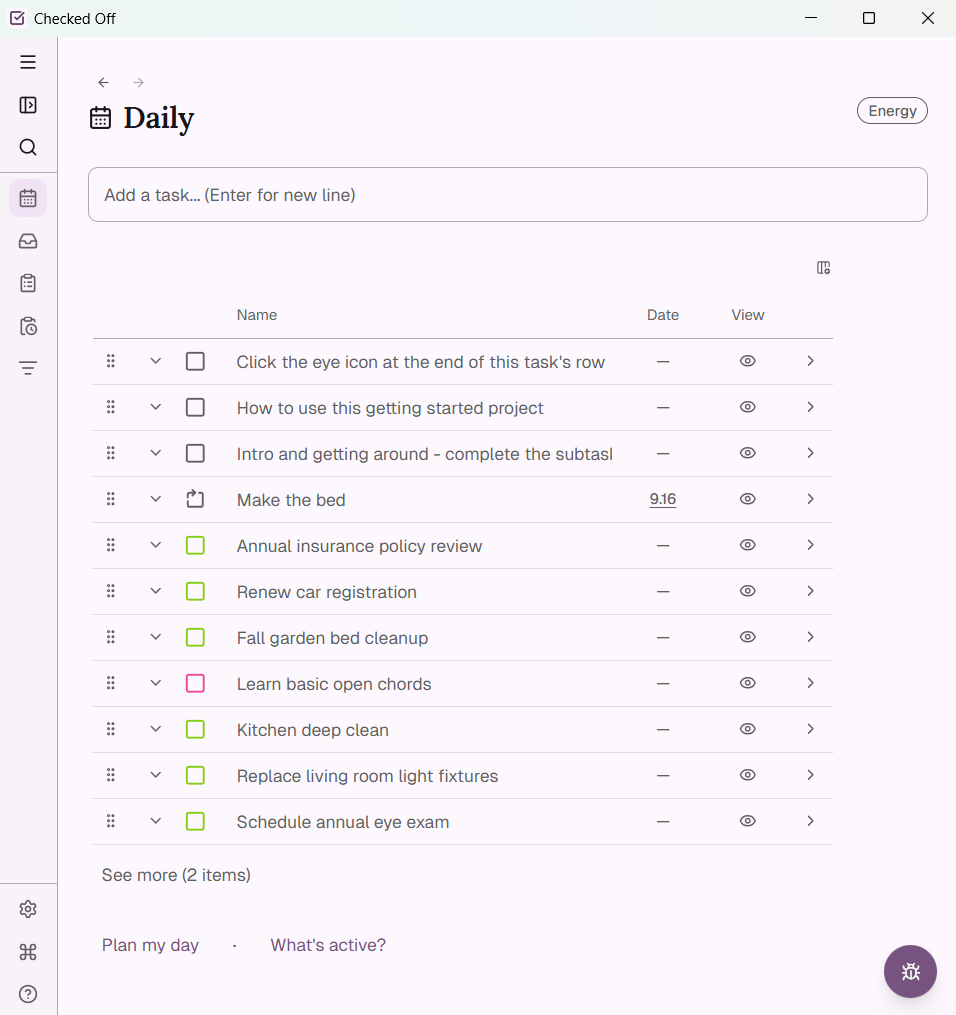
No missed-day backlog, no guilt pile. Each routine surfaces just its next item — skip it, mark it forgotten, or resolve it, and the next one appears in its place, scheduled for whenever it's actually due.
Read: Routines Show One Item at a Time →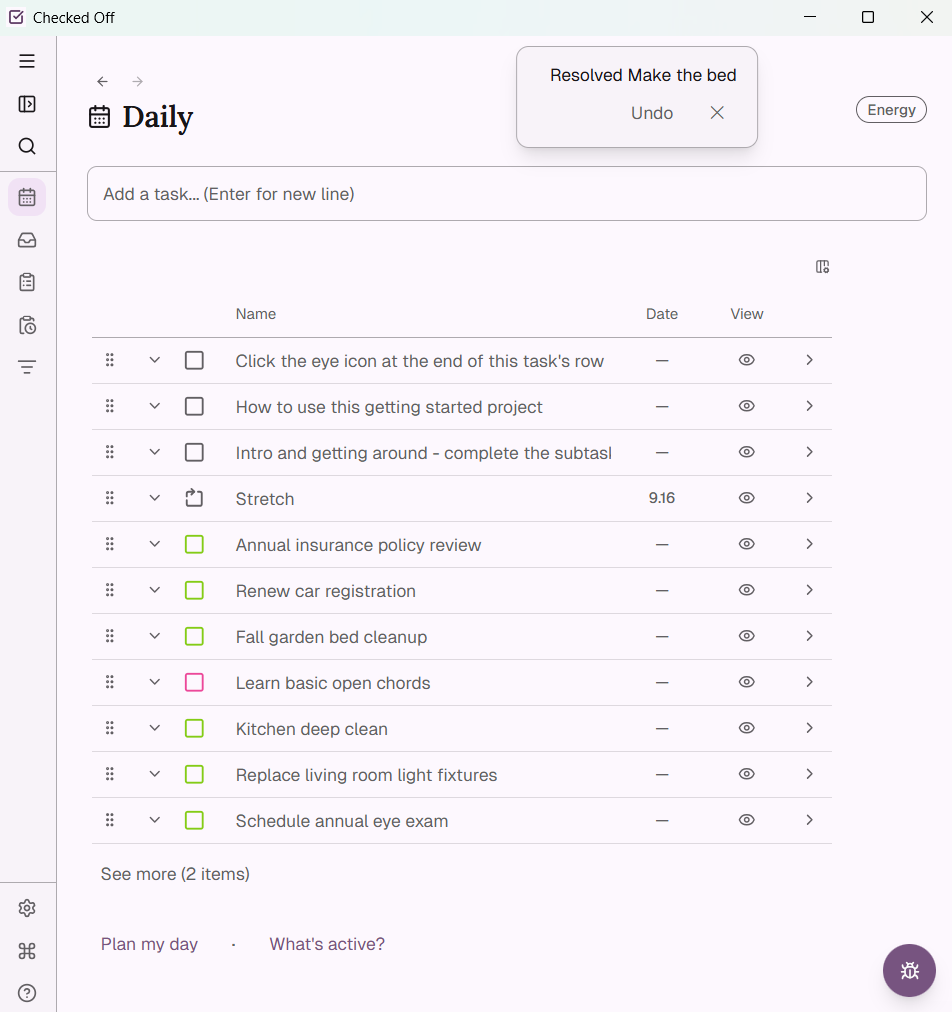
Domains group your projects and routines by life area — work, home, health, whatever you use. Tags and a composable filter engine cut across all of it, and any saved filter can feed straight into your daily plan.
Read: Tasks Don't Belong to Days →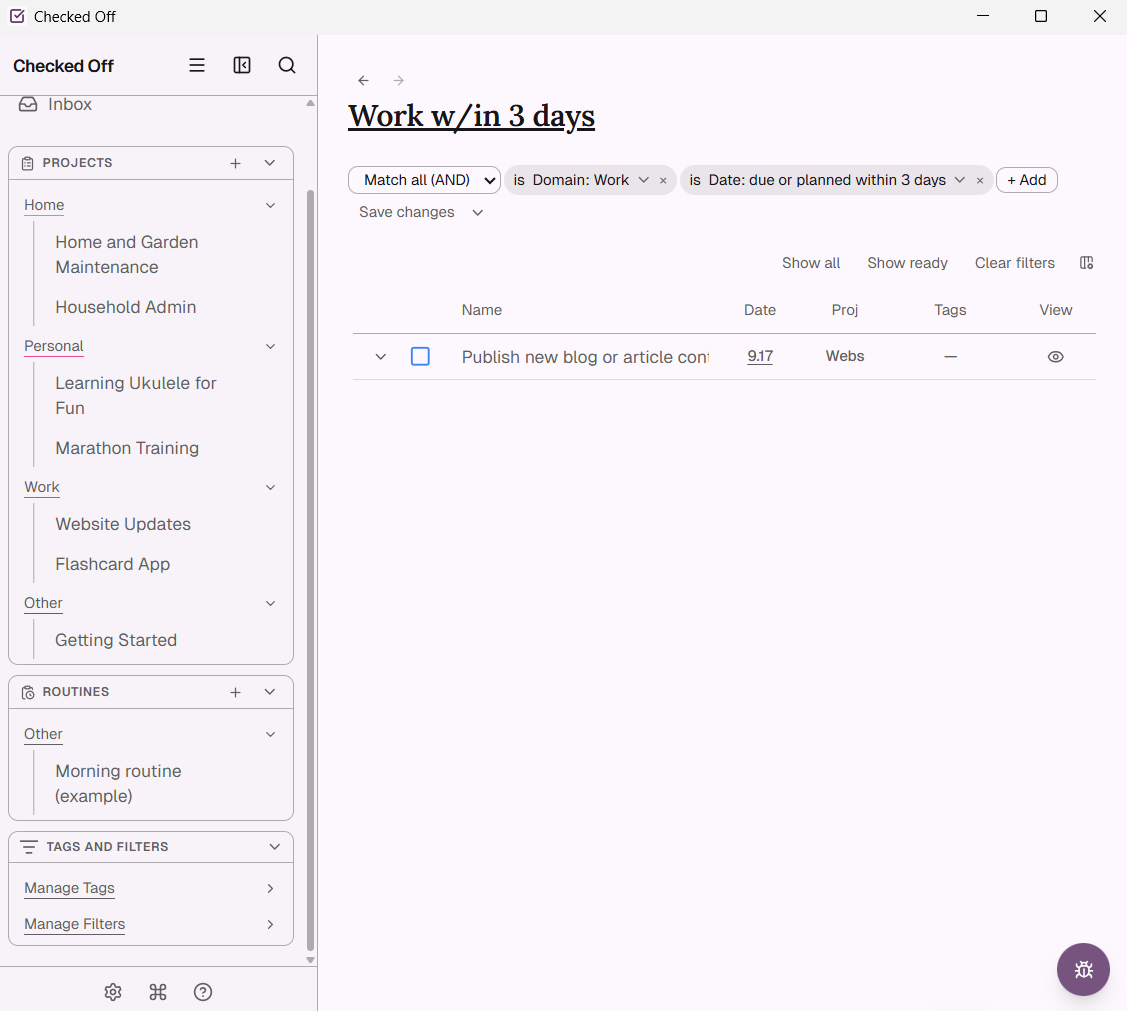
What's active? is a quick, swipeable review of every open project — keep it active, shelve it for later, or mark it done. Shelving isn't deleting; everything's still there, exactly where you left it, whenever you're ready.
Read: Shelving Is Not Failure →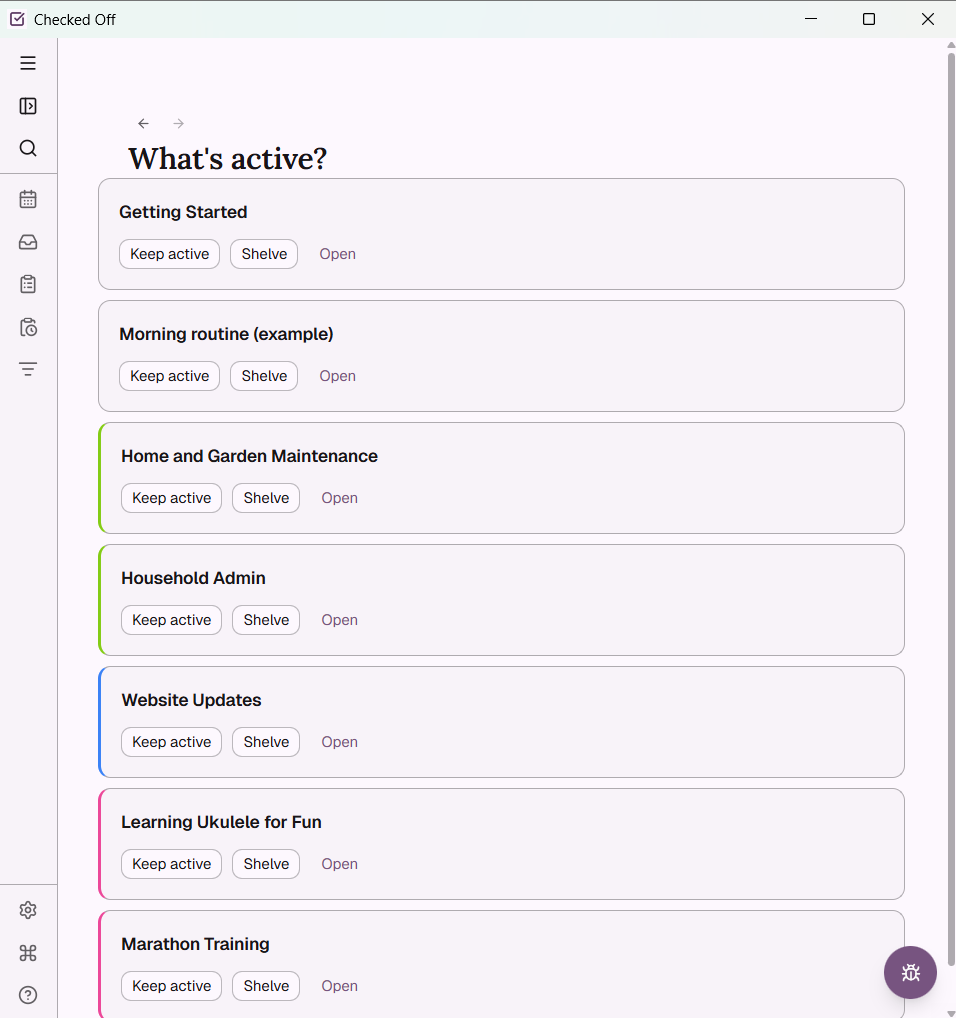
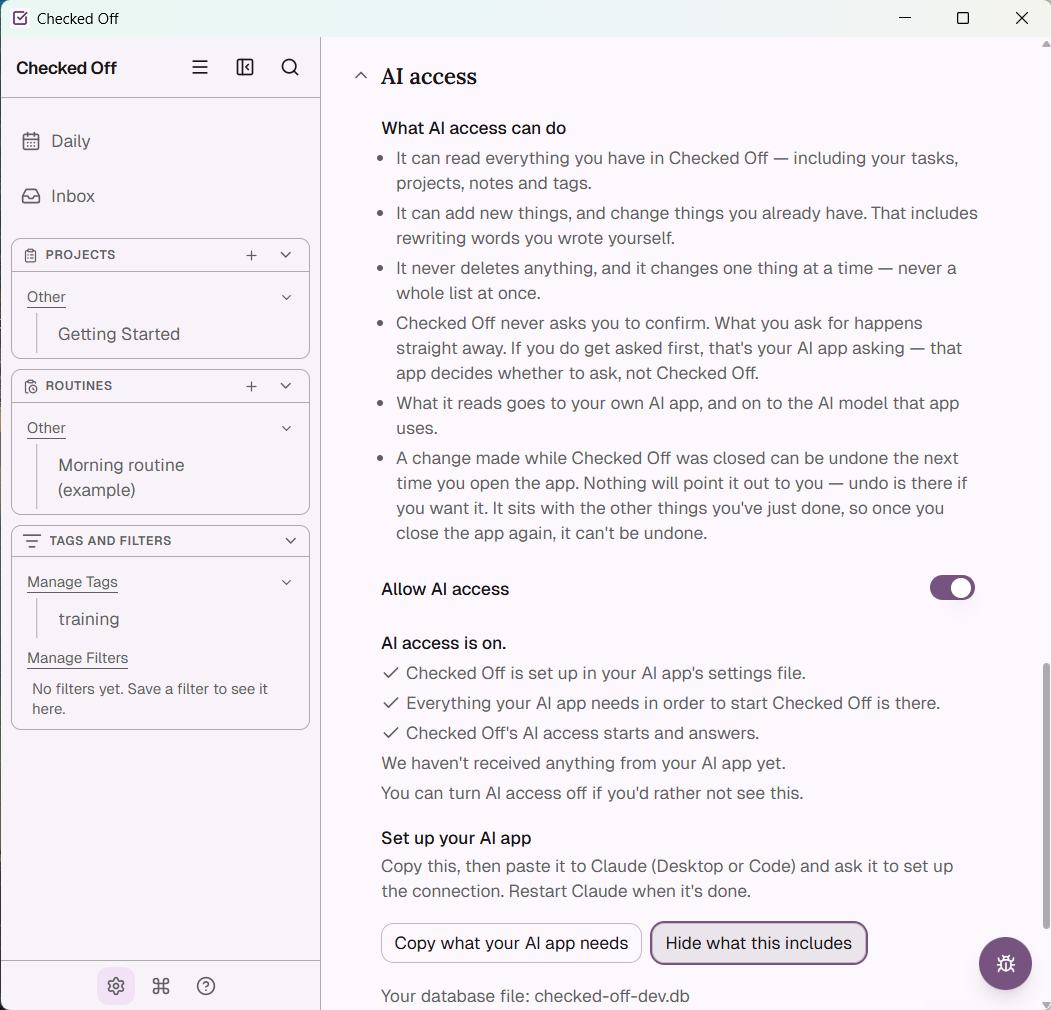
AI access is off by default. Turn it on and Checked Off exposes an MCP connection your own AI tool can use — including a training task, written by us, that teaches it the app's syntax before it ever touches your data. Desktop only, and reversible any time.
Checked Off runs on a local SQLite file on your device — no account, no server-hosted copy of your data by default. Automatic and manual backups, plus a built-in recovery flow if a file ever gets corrupted, keep it safe.
Read: Your Data Lives on Your Machine →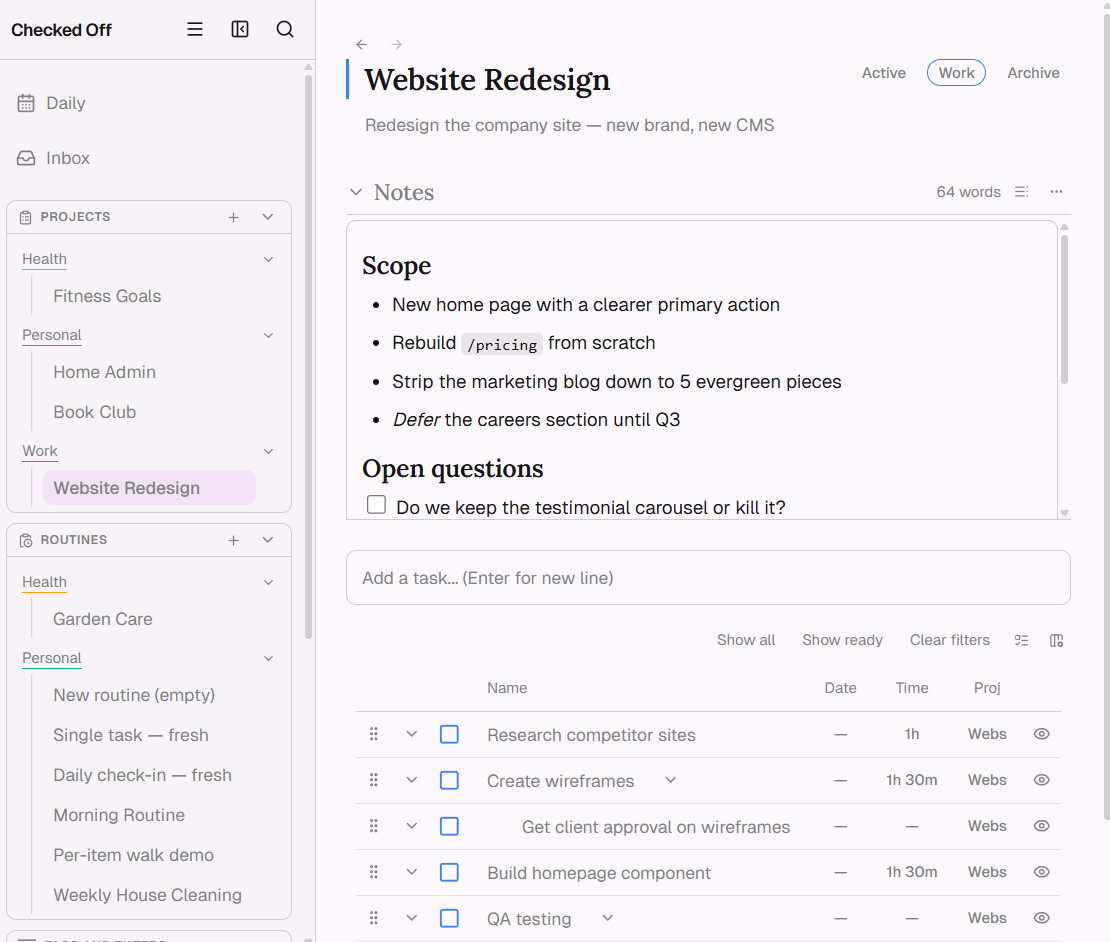
One field, anywhere in the app. Add one task or ten in a single pass.
Indent a line while adding to make it a subtask of the one above.
Nothing else is required to create a task.
See a project as a hierarchy or a flat sorted list — your choice, per project.
Active, shelved, or completed, each with its own clear, limited set of moves.
Reorder standard tasks and routine items together, mixed in the same list.
Settings → Data: create or restore a backup, open the folder, or run an integrity check any time.
Flag a problem without leaving the app. (Beta builds only, for now.)
AI access, filters, tags, and domains can all be turned off or undone without losing data.